What Is LinkedIn X-Ray Search: A Detailed Guide
Check how LinkedIn X-Ray Search helps you find the right professionals faster. Learn useful search tips and start finding better leads today!

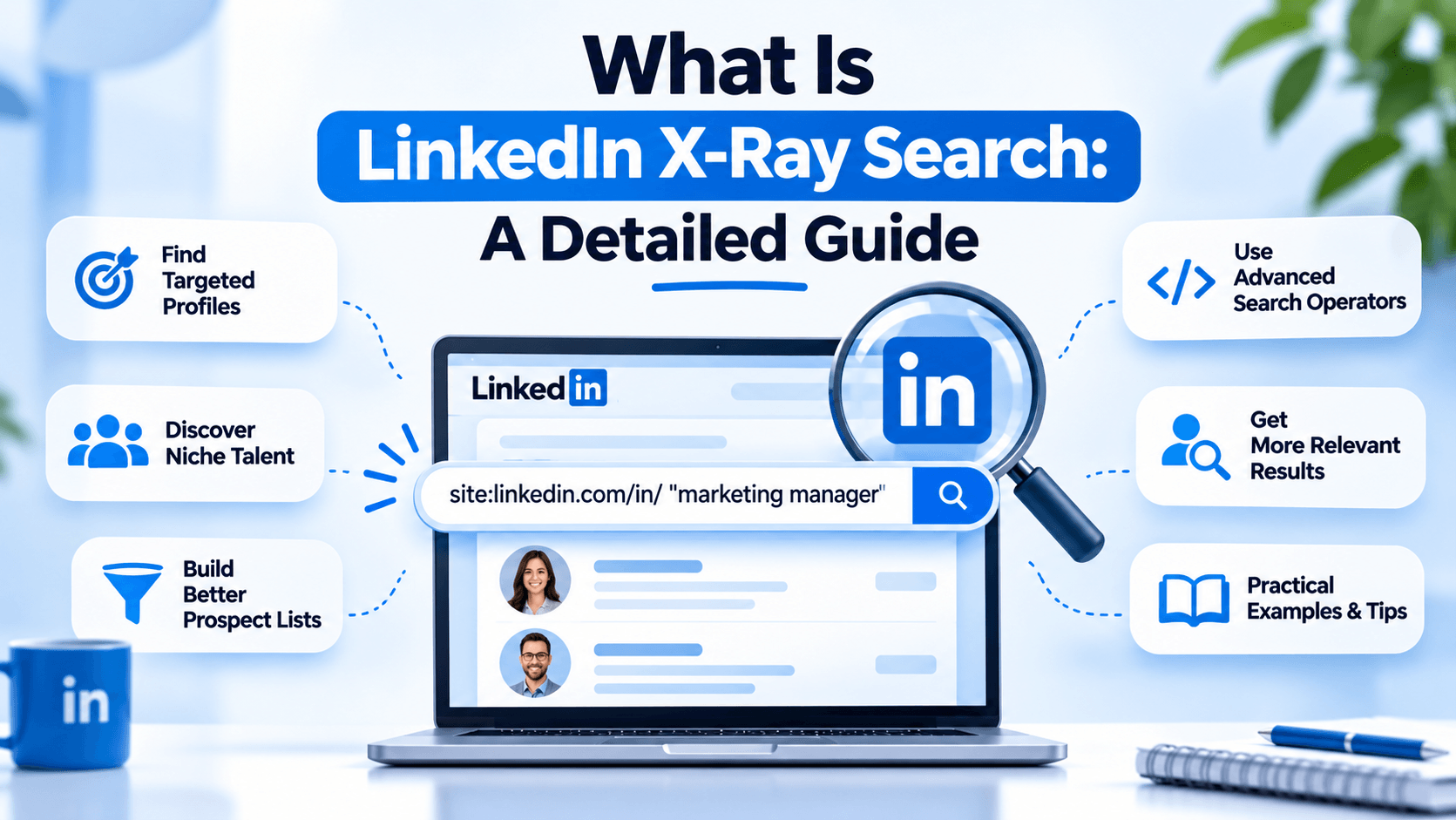
LinkedIn may not be quick in finding the right professionals particularly when you need to find someone with specialized skills, decision-makers within a specific industry, or customers within a specific region.
Sifting through profiles and search filters may not necessarily result in what you need all the time. The next option is to go to an external engine, and find LinkedIn profiles that are publicly indexed.
This is called LinkedIn X-Ray Search. It helps recruiters, salespeople, marketers, and job seekers locate relevant profiles based on specific search queries. In this tutorial, you will get to know how it functions, how to utilize it, and how to optimize your searches.
What Is LinkedIn X-Ray Search?
Are you asking yourself what is LinkedIn X-Ray Search, it is a search method which employs the service of Google or any other search engine to locate the search engine searchable results that have been indexed publicly on your LinkedIn profile. You mix search operators and matching keywords to diminish outside search results, rather than using the built-in search functions of LinkedIn.
As an illustration, you may look for professionals according to their job title, skills, industry or location. This will assist you in finding profiles that might otherwise not be conspicuous when you are making your regular searches in LinkedIn.
LinkedIn X-Ray Search has several practical benefits:
- Targeted discovery: Find profiles using specific roles, skills, and locations.
- Flexible searches: Combine keywords to explore different professional backgrounds.
- Additional visibility: Discover publicly indexed profiles that you may not have found through your usual search process.
However, X-Ray Search only retrieves information available in the search engine’s index. It does not unlock private profiles or guarantee complete information.
How Does LinkedIn X-Ray Search Work?
LinkedIn X-Ray Search is an aided-searching tool that gathers a web-specific search query and a keyword phrase that characterizes the individuals you need to locate. Search engines subsequently show their existing indexes of corresponding pages to the search.
Site:linkedin.com/in is the most crucial operator that would limit your search to URLs of member profiles in LinkedIn. You can also include job titles, skills, company names and locations to reduce the results.
As an illustration, the recruiter looking at software developers in Bengaluru could use:
site:linkedin.com/in Python "software developer" Bengaluru.
This query requests the search engine to locate indexed LinkedIn profile pages that have the specified terms. The results will be different with indexing, profile visibility, and individual wording of every professional.
How to Use LinkedIn X-Ray Search
You do not need a specialized application to start. A search engine and a clear understanding of your target audience are enough to build a basic query.
1. Define Your Search Requirements
Begin by determining what and whom you want to find. Are you seeking a programmer, checking out possible customers or seeking experts in a specific sector? Before composing your search query, compose the most applicable features.
As an example, when you need to find marketing managers in Mumbai, your initial search terms could be the occupation, location, and the industry.
2. Use Search Operators and Keywords
Add the site operator to restrict the search to LinkedIn profile pages. Use quotation marks around exact phrases, such as "marketing manager," when you want to search for a specific title.
You can also use a minus sign to exclude unwanted terms. For instance:
site:linkedin.com/in "marketing manager" Mumbai -jobs
This query targets indexed profiles containing the title and location while excluding results that match the term jobs. Keep in mind that exclusions can also remove relevant profiles if those profiles contain the excluded word.
3. Refine Your Results
If your initial search returns too many irrelevant profiles, add a skill, company type, or industry keyword. If the results are too limited, try alternative job titles or remove an overly restrictive term.
For example, searching for "business development manager" may produce different results from searching for "sales manager". Testing variations helps you discover relevant profiles without depending on one exact title.
Common LinkedIn X-Ray Search Operators
Understanding a few basic operators can make your searches more precise. You do not need to build complicated queries immediately; start with simple combinations and adjust them as needed.
Search syntax can behave differently across engines, so test complex combinations and inspect the results rather than assuming every operator will work identically.

Who Can Benefit from LinkedIn X-Ray Search?
There are a number of professional activities that could be supported by X-Ray Search. It can be as useful as well as it is well-defined with regard to what you want to say and how you put into practice what you find out.
- Recruiters: In search of people who have obtained relevant experience, technical expertise or industry experience.
- Sales people: Find out potential clients, company executives and decision-makers who fit their target market.
- Marketers: Interview industry audiences and research people to inform content and campaign planning.
- Job seekers: Search and examine the current professionals who work in target companies and find the people who might have a career to explore that could be of interest.
Regardless of what you are seeking to achieve, first check details on the profile before reaching out to another person. The search result may be old or incomplete and when a person has a matching keyword, it does not necessarily indicate the person is suitable.
Best Practices for Effective LinkedIn X-Ray Search
The key to the successful search is not in the correct use of the operators. Relevancy, accuracy and professional communication is also to be handled thoughtfully.
To start with, maintain focused queries. Few too few keywords will look at irrelevant profiles and too broad search will result in irrelevant searches as well. Find an effective balance in job titles, skills and locations by trying different combinations.
Second, confirm every great profile by checking it out. Examine actual position, pertinent experience and other publicly accessible professional data rather than merely use search snippets.
Lastly, abide privacy and platform policies. Manipulate publicly accessible data to lawful professional ends, do not engage in unwarranted or overbaring data gathering, and not only be relevant and transparent in your outreach.
Conclusion
LinkedIn X-Ray Search provides a different method of searching publicly indexed professional profiles with specific search questions. Combine the site: operator with other key words, exact expressions, and exhaustively tested omissions to narrow down profile finding to recruiting, sales and networking.
The first step is to find the right profiles. You should also have a regular prospecting planning routine and develop professional relations. Linkziy is a product that unites LinkedIn prospect sourcing, outreach campaigns, content creation, and conversation management into a single platform.
Visit Linkziy to explore how its LinkedIn prospecting tool workflow tools can support and help you turn relevant profile discovery into more organized, meaningful outreach.